
The terminal, in detail.
Depth of market, a multi-threaded strategy tester, a built-in economic calendar and unrestricted Expert Advisor support — on desktop, in a browser and on your phone.
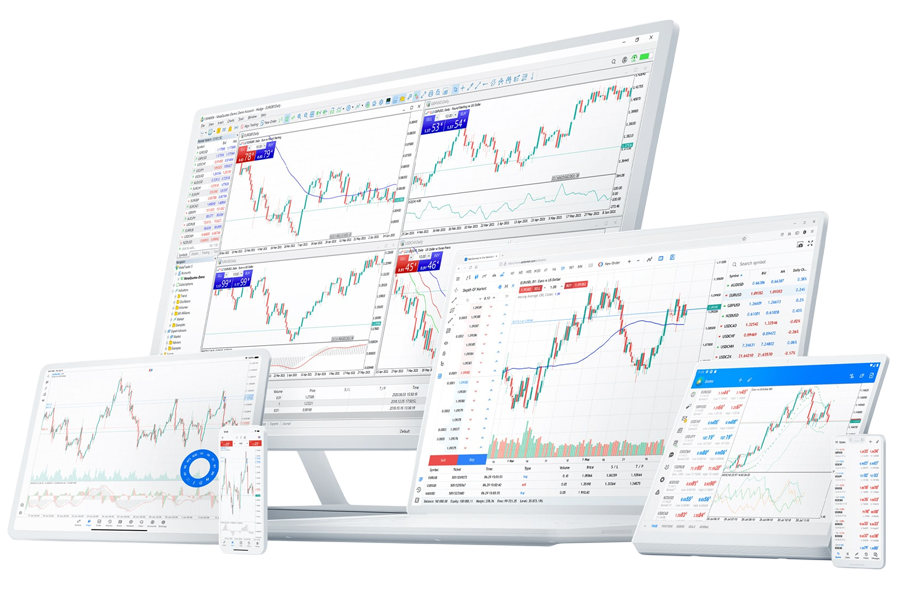
What the terminal gives you
Charts and timeframes
21 timeframes, 38 built-in indicators and 44 analytical objects, plus unlimited custom indicators.
Order types and fills
Market execution plus six pending order types, with fill-or-kill, immediate-or-cancel and return policies.
Automated in MQL5
Expert Advisors written in MQL5, with a multi-threaded Strategy Tester for backtesting on real tick data.
Multi-asset terminal
Instruments from different asset classes share one Market Watch, and several account logins sit side by side.
Depth of market
The published order book alongside time and sales, on instruments where a venue provides one.
Economic calendar
Scheduled releases with prior, forecast and actual figures, marked directly on the chart.
Automated trading
Expert Advisors are permitted on every account type with no restriction on order frequency, holding period or strategy style. Scalping is allowed. Hedging is allowed. For latency-sensitive systems we can host your terminal on a virtual private server adjacent to our trading infrastructure, which removes your own connection from the equation.
Desktop, web or mobile
| Client | Best for | Automated strategies |
|---|---|---|
| Desktop (Windows / macOS) | Analysis, order entry, backtesting, running Expert Advisors | Yes |
| Web terminal | Access from a machine you cannot install software on | No |
| iOS / Android | Managing open positions away from a desk | No |
An honest word about the phone
A phone screen is a poor place to make an entry decision. Multi-timeframe analysis, careful level marking and deliberate position sizing all suffer on a small display, and the ease of tapping a trade is not the same as the discipline of planning one. The mobile terminal is excellent for managing risk you already took. We would rather say that than pretend it replaces a workstation.
Open an account and download MetaTrader 5
Credentials are issued the moment your account is created, and the demo account uses the identical platform.
Open Account Try a Demo Account